Claude MCP Auto-Connect: Enterprise-Managed Auth (EMA) Beta
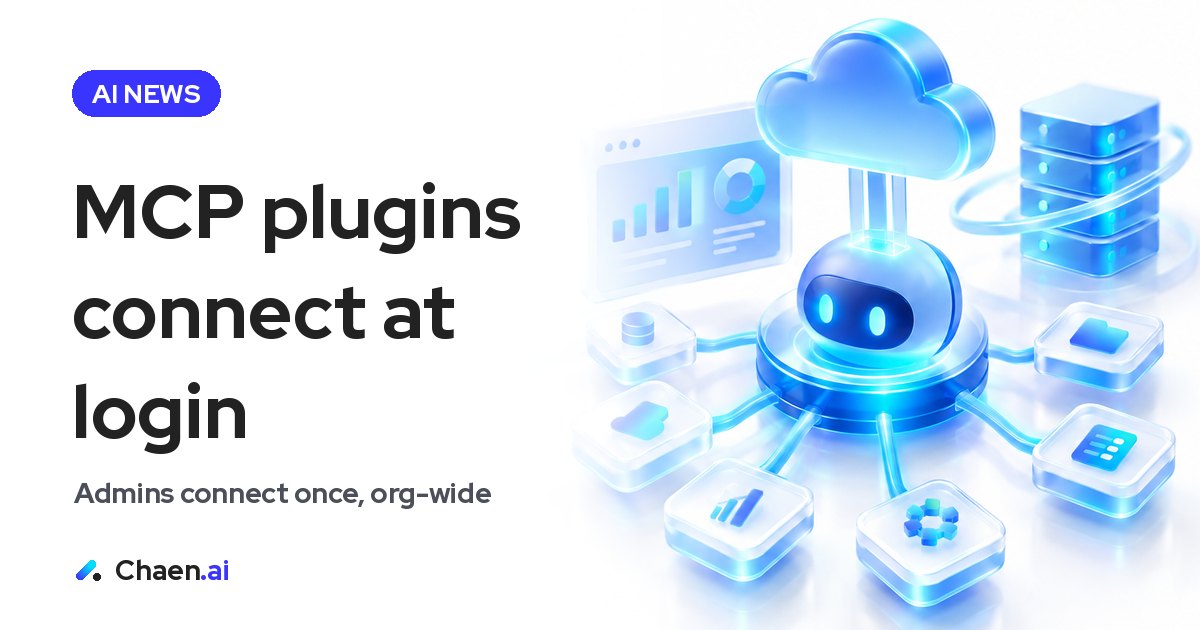
Claude now auto-connects MCP plugins at login for Team and Enterprise. How enterprise managed auth (EMA) works, the 14 connectors covered, and what it changes…
Claude now connects MCP plugins automatically when you log in, shipping as a beta on Team and Enterprise. The mechanism behind it is EMA — enterprise-managed auth — which lets an admin connect the whole organization through its IdP. Below is what was announced, what I’d check before rolling it out, and why it lands differently in the Japanese market.
What Claude’s MCP plugin auto-connect actually changes
The hard part of deploying MCP plugins across a company has never been the capability. It’s the authorization step. To reach something like Notion or Figma, each employee ends up logging in and granting access themselves. With a hundred people that’s a hundred requests and a hundred reminders. You run the onboarding session, and a week later half the team still hasn’t connected anything.
With this beta the order flips. Plugins are already connected by the time someone logs into Claude. An admin configures a plugin, and the members in scope get connected automatically. Once that connection exists, it keeps working without asking anyone to re-authenticate.
What makes this bigger than it reads is where the work goes. The expensive part of any company-wide AI rollout isn’t distributing the tool — it’s getting every individual to take one small action. Moving the authorization step from each employee to the admin console removes an entire category of chasing.
How enterprise-managed auth (EMA) works
Here is the mechanism as announced:
- An admin connects the whole organization at once through the company’s IdP (EMA)
- If the IdP doesn’t support it, Claude handles identity verification instead
- Once connected, it keeps working with no re-authentication
- The admin configures each plugin individually, and members in scope are auto-connected
The part worth paying attention to is that EMA is an open extension to MCP. It isn’t a closed Anthropic-only path: teams building plugins can implement it today. That means the list of supported tools doesn’t grow only when Anthropic decides it should — it grows when each tool vendor decides to support it. That’s consistent with how MCP itself has spread as an open spec.
The IdP fallback matters more than it looks. Identity infrastructure varies enormously from company to company, so designing around “if your IdP can’t do this, Claude verifies identity for you” keeps the feature from being limited to organizations with mature SSO. If you’ve ever scoped a rollout, you know how often that kind of detail is the whole decision.
The 14 connectors on the list
Fourteen companies are listed as supported. The names given are Notion, Figma, Atlassian, HubSpot, Amplitude, Datadog, Dropbox, Granola, Linear, Mixpanel, PagerDuty, Semrush and Supabase.
Look at the mix: documents, design, issue tracking, CRM, product analytics, monitoring, incident response. These aren’t novelty integrations assembled for a demo — they’re the systems people open every morning. That’s what makes auto-connect meaningful rather than cosmetic: the connection lands inside daily work rather than next to it. Counting how many of your own SaaS tools appear on that list is a fast way to size the impact.
Why this matters for AI rollouts in Japan
In Japanese companies, AI adoption usually stalls on internal process rather than on product quality. A model where every employee individually authorizes an external connection is uncomfortable from both directions: IT has limited visibility into who connected what, and employees see it as one more chore. The predictable outcome is that only the already-motivated people use the tool, and the rollout quietly plateaus.
A model where the admin configures access at the organization level and members do nothing fits how Japanese enterprises prefer to operate. The appetite for central administration is strong here, and being able to decide centrally which connections are open is itself an argument that helps a proposal clear internal review. I expect this to show up less as “a convenient new feature” and more as “the thing that finally let the company-wide deployment start.”
A few things I’d confirm before committing:
- Whether your plan is in scope — this beta is Team and Enterprise
- Whether the plugins you want are among the 14 listed
- Whether your IdP supports EMA, or whether you’ll go through Claude’s identity verification instead
- Who owns the decision of which teams get which plugins
That last one is the one people miss. If configuration moves to the admin, a new job appears: deciding which department gets which tool opened up. Hand that to IT alone and it stalls. It belongs to whoever owns AI adoption, working alongside IT.
What global AI companies selling into Japan should take from this
If you’re a non-Japanese AI or tooling company trying to reach the Japanese market, there’s a direct action item here. EMA is an open extension, so supporting it in your own plugin is available to you now, and it changes the conversation you have with Japanese enterprises.
In enterprise deals here, operational questions arrive before feature questions. How is this administered once we give it to every employee? What happens to connections when someone leaves? A design that answers “each user authorizes it themselves” tends to lose the room at exactly that moment. A design where an administrator configures it centrally is far easier to walk an IT department through. Supporting EMA isn’t just an integration task — it’s a line in the deck that gets you past the first gate.
The same logic applies to how you announce it. Writing to a Japanese audience, “we now support a new authentication specification” lands much weaker than “your employees no longer need to connect anything themselves.” Lead with whose work disappears. That framing consistently travels further in Japan than the name of the specification does.
How to put this to work in your own company
The practical first step is an inventory. List the SaaS tools your company actually uses, line them up against the 14 supported connectors, and mark which workflows become eligible for auto-connect. Then pick one department in scope and configure it there first. A single real rollout turns the admin workload and the reaction from the floor into concrete numbers — and neither of those can be estimated on paper.
If you’re on the other side and you build a tool, start by checking whether your plugin supports EMA. The spec is open, so there’s nothing to wait for. The real shift here is that the barrier to company-wide deployment has moved from authentication to access design — and how you plan should move with it.
FAQ
Which Claude plans get MCP plugin auto-connect?
The beta is available on Team and Enterprise. An admin configures it per plugin and the members in scope are connected automatically.
What is EMA?
EMA stands for enterprise-managed auth and it is an open extension to MCP. Any team building a plugin can implement it today.
Do employees have to re-authenticate?
No. Once the connection is made it keeps working without re-authentication. If your IdP does not support EMA, Claude handles identity verification instead.
Based on a post on XOriginal post ↗
About the author

CEO of DigiRise Inc. Has supported 600+ companies and 50,000+ people with AI training, consulting and development. GMO AI & Crypto advisor, Google Gemini AI advisor. 200K+ followers on X.
Related articles
 Muse Chrome Extension: What It Does vs Claude in Chrome Nov 22, 2026
 Muse Email Address: How It Works and Business Caveats | Meta Nov 22, 2026
 GPT-Live-1.1 API: What Changed for Voice Agents Nov 21, 2026
 Gemini 4 Neon: How to Read Performance and Price Nov 21, 2026
 Grok 5 vs Opus 5.5: How to Read Musk's 2-3 Month Claim Nov 15, 2026
 AI News Roundup: Claude Meetings and NVIDIA's CEO Exit Nov 15, 2026